For Onlinecourses55
|
2026-10-18
For Onlinecourses55
|
2026-10-18
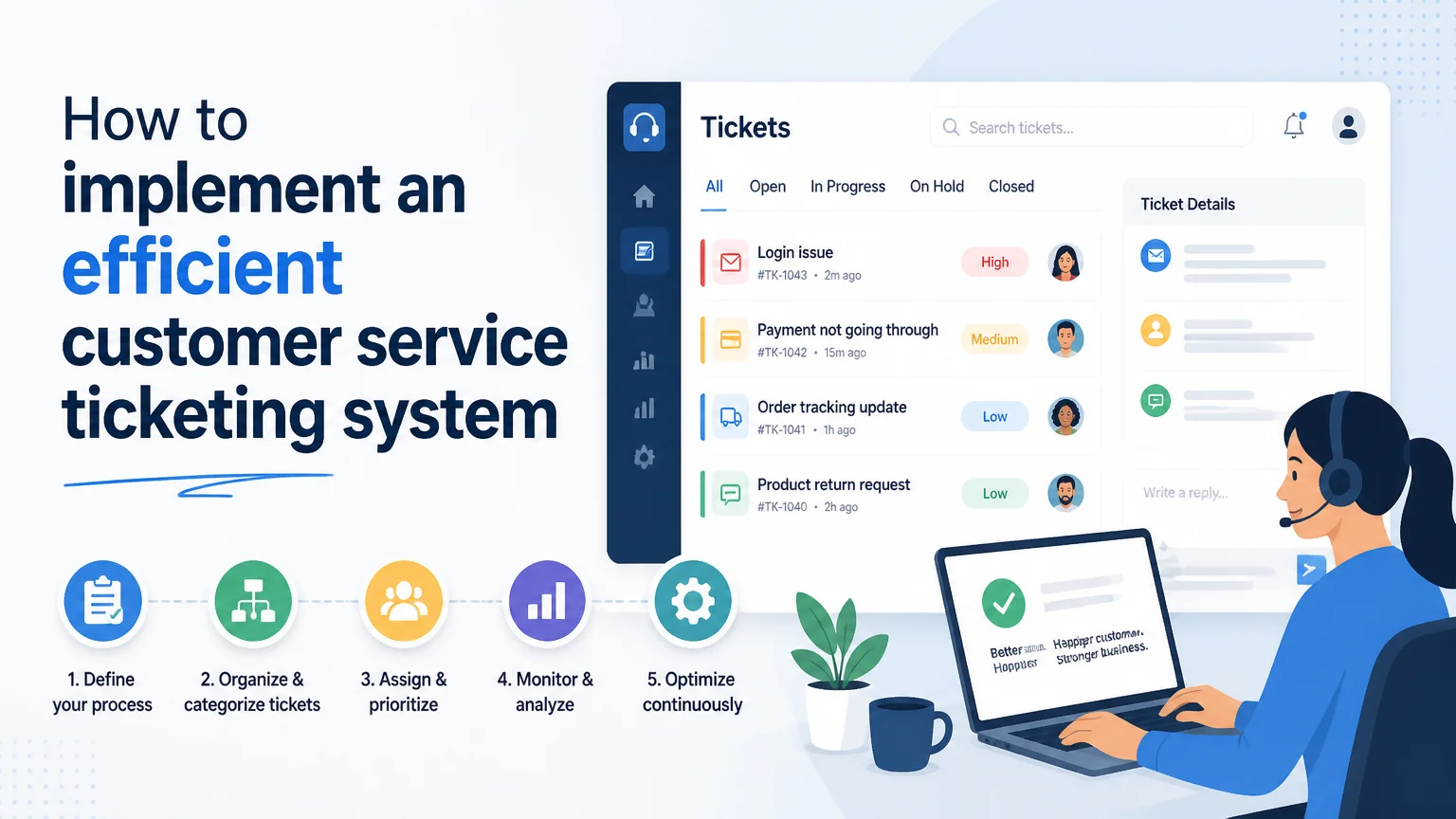
How to implement an efficient customer service ticketing system - customer service
Streamline your customer handling processes by adopting our structured workflow strategies to enhance efficiency.
An organized approach to handling customer requests reduces response times, minimizes frustration, and allows complex issues to be escalated without losing information. When every interaction is logged, the team can prioritize what has the greatest impact and avoid repetitive responses. Additionally, a clear workflow facilitates performance measurement and decision-making based on real data, not assumptions.
Before choosing or configuring a tool, it’s important to determine which features will truly meet the needs of the team and users. It’s not just about technology—it’s also about policies, roles, and templates that guide day-to-day operations.
Each case must be logged with useful metadata: source channel, priority, incident type, and assigned person. Consistent categorization allows you to group recurring issues and prioritize improvements to products or processes.
It is essential to have clear rules for assigning tickets automatically or manually based on skills, workload, or SLAs. Escalation should be triggered when a time threshold is not met or when intervention from higher levels is required.
Maintaining a complete history of each interaction prevents loss of context and facilitates handoffs between agents. Traceability also aids in audits and in resolving disputes with customers.
A well-organized implementation reduces friction and accelerates adoption. Below are specific steps that can be followed from planning through deployment.
Analyze how inquiries are currently handled: response times, most-used channels, volumes by category, and the team’s pain points. This assessment will serve as the foundation for defining objectives and prioritizing features.
Write clear processes: how a case is received, how it is prioritized, who resolves it, and when it is closed. Defining SLAs by incident type helps measure compliance and design escalation rules.
Evaluate options considering integration with existing channels, automations, ease of use, and costs. Test the tool with a small group before rolling it out to the entire team.
Set up response templates, intake forms, assignment rules, and escalation workflows. Conduct internal testing and fix bugs before launch to avoid issues with real customers.
A system that centralizes email, chat, social media, and phone prevents information silos. Additionally, connecting to CRM and knowledge bases allows for faster and more personalized responses.
Technology doesn’t solve everything if the team doesn’t understand processes and expectations. Training should include tool management, communication protocols, and prioritization criteria. Additionally, it’s helpful to document procedures and create a reference manual.
Define who is responsible for first-line support, SLA monitoring, and escalation management. Having clear roles prevents duplication and gaps in service.
Schedule training sessions for new agents and periodic reviews where the team can suggest process improvements. Operational feedback is often the richest source for practical adjustments.
Measuring the right metrics enables sustained improvement. Some essential metrics include average time to first response, average time to resolution, number of reopenings, and customer satisfaction levels.
Automating repetitive tasks frees up time for complex cases. Automated responses, rule-based assignment, and escalation triggers are useful examples. However, you must avoid automations that worsen the customer experience: they should be predictable and easy for an agent to correct.
Small habits make a big difference. Keeping templates up to date, closing tickets with a clear closing note, and using macros for common responses speeds up management. It’s also a good idea to review queues weekly and prioritize issues that are taking too long to resolve.
A good system requires periodic evaluations. Review metrics frequently, conduct satisfaction surveys, and monitor trends in ticket categories. Use this data to adjust processes, reallocate resources, and update the knowledge base to reduce the recurrence of issues.
Start with a limited scope, validate processes with a pilot group, and document all learnings. Prioritize the customer experience and ease of use for agents. Finally, maintain an iterative approach: an efficient system is not a one-time project, but a practice that evolves with the business.
Search
Popular searches