For Onlinecourses55
|
2026-10-20
For Onlinecourses55
|
2026-10-20
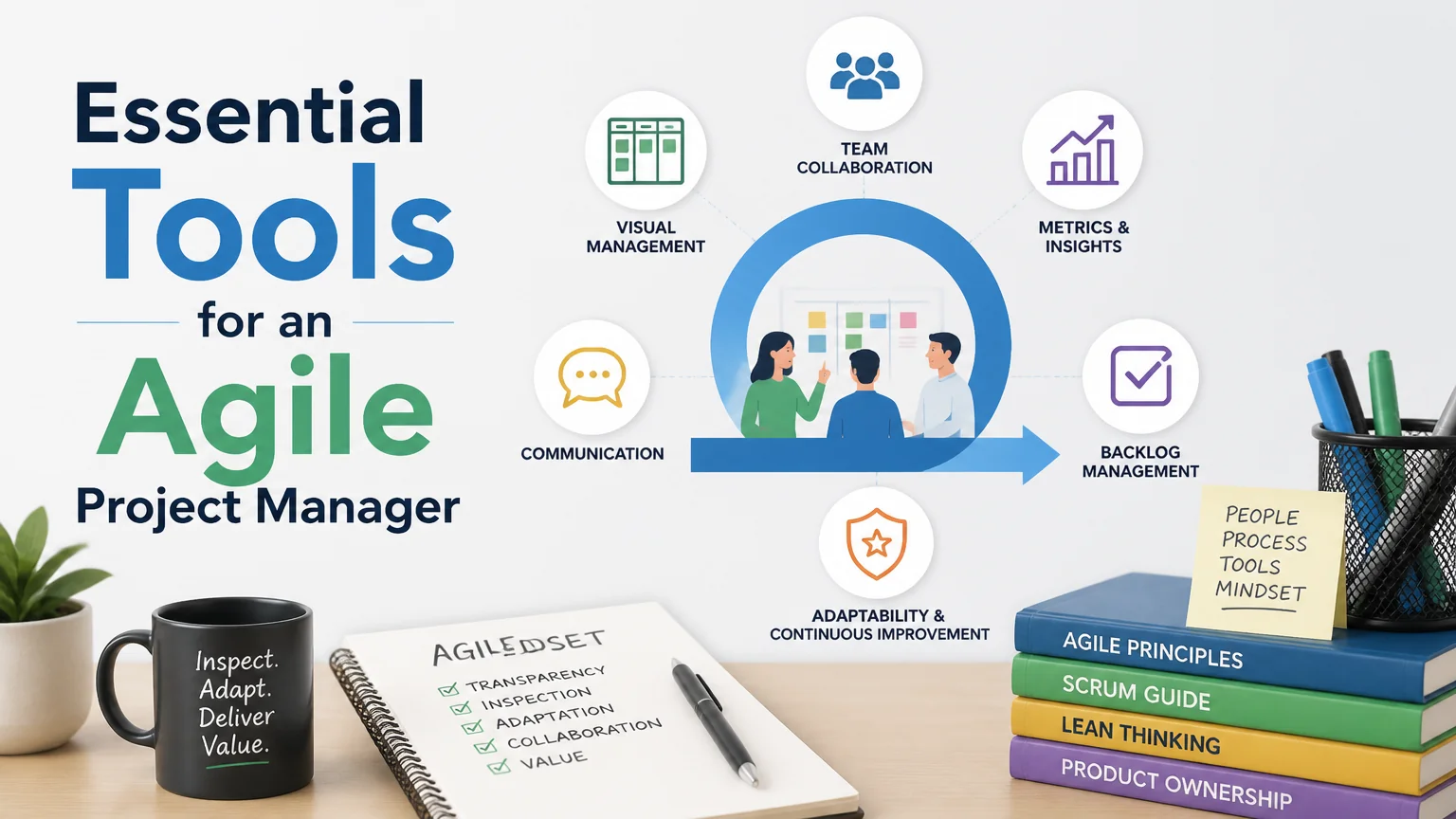
Essential tools for an agile project manager - manager projects
Working with agile methodologies demands the right tools and strategies. If you're eager to learn about how to lead your team effectively in agile environments, consider exploring an in-depth course on agile project management techniques that addresses these needs.
Working with agile methodologies demands more than just good intentions: it requires tools that facilitate communication, planning, and continuous delivery. A project leader who adopts agile practices needs a set of practical resources to keep the team aligned, prioritize work, and measure progress with real data. Below are key categories of tools and examples of their use, along with tips for choosing and adapting each solution to the team’s context.
Backlog management and sprint planning are core activities. The right tools allow you to visualize user stories, prioritize tasks, and organize iterations seamlessly.
A manager can use a board to move stories from “To Do” to “In Progress” and “Done,” reviewing WIP (work in progress) daily. Tools that enable story point estimation and velocity calculation facilitate realistic forecasts for upcoming iterations.
Agility depends on smooth communication. A distributed team needs clear channels for quick discussions, decision-making, and coordinating obstacles.
Using channels for specific topics prevents distractions. An effective manager sets up relevant notifications and encourages the use of threads to maintain context, reducing information duplication and speeding up the resolution of roadblocks.
Measurement is the foundation of continuous improvement. The right metrics allow you to verify whether agile practices are generating value and to identify bottlenecks.
A manager should review these metrics during retrospectives to identify patterns: sprints with low velocity, spikes in rework, or increases in cycle time. Tools that display historical charts facilitate decisions based on trends rather than gut feelings.
Automating tests and deployments reduces risk and accelerates the delivery of value. Integrating CI/CD with the workflow streamlines feedback and allows for rapid validation of changes.
When pipelines are properly configured, the team receives immediate feedback on code quality. This reduces wait times, facilitates more effective reviews, and builds confidence in making frequent deliveries.
In agile environments, documentation must be useful and accessible. Tools that centralize design decisions, team agreements, and architectural decisions prevent loss of context.
A well-organized knowledge repository reduces reliance on individual memory and speeds up the onboarding of new members, maintaining consistency in decisions over time.
Identifying and managing dependencies and risks is key to avoiding surprises during execution. There are solutions that help map dependencies across teams and prioritize mitigations.
Reviewing dependencies during planning sessions and assigning clear owners for each risk prevents a blocker from becoming a bigger problem. Tools that enable automatic notifications improve early response.
There is no single “best” tool; cultural and technical fit is essential. When evaluating options, prioritize simplicity, interoperability, and the ability to adapt to your workflows.
A manager working with agile practices needs tools that facilitate visibility, collaboration, and continuous delivery. Choosing solutions that fit the team’s size, offer integrations, and allow for measuring results facilitates decision-making and continuous improvement. Implementing gradually, gathering feedback, and prioritizing usability are practical steps to ensure that technology enhances—rather than hinders—the team’s agility.
Search
Popular searches