For Onlinecourses55
|
2026-10-26
For Onlinecourses55
|
2026-10-26
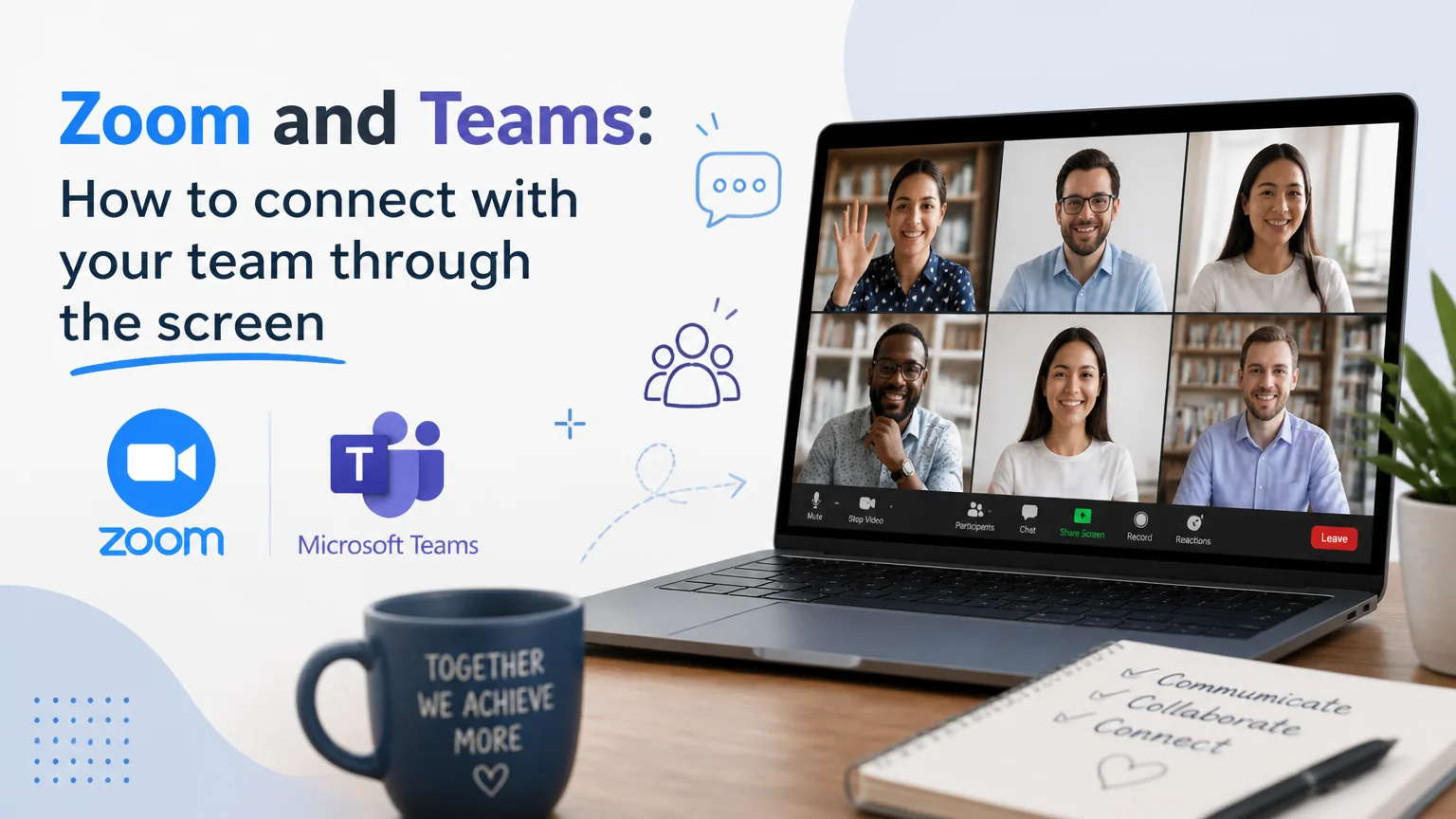
Zoom and teams: how to connect with your team through the screen - communication non verbal businesses
Transform your remote meetings by mastering effective communication techniques that promote collaboration and productivity.
Working remotely is no longer just joining a video call. The key is creating spaces where people feel heard, coordinated, and motivated. With tools like Zoom and Microsoft Teams, it is possible to bring teams closer through the screen if good practices, appropriate features, and a clear intention to collaborate are combined. Below you will find a practical guide to achieve more human and productive meetings.
Audio quality influences the perception of professionalism more than video. Use headphones with a microphone close to the mouth to reduce echo and noise. If you work in shared spaces, enable system noise cancellation or the platform's built-in noise suppression. For video, place the camera at eye level and use natural light from the front; if that's not possible, a soft side light works well.
Do a sound and image test before critical meetings. A neutral or slightly blurred background helps maintain attention. Avoid very busy virtual backgrounds that distract or poorly crop the silhouette.
Calling a meeting with a clear purpose avoids meetings that could have been a message. Include an agenda with a maximum of three objectives and the expected outcome (decision, review, or ideation). Define roles: facilitation, note-taking and timekeeping. Share documents in advance and reading requests so screen time is used for discussion, not presentation.
Start with a brief check-in round so everyone has a voice from the start. Alternate presentation with questions and micro-activities, and use the chat to collect ideas in parallel without interrupting. Explicitly indicate how to request the floor (raise hand, reactions) and give turns to those who participate less.
Summarize decisions, owners and due dates before closing. Send a short message with actionable notes and relevant links. If possible, automate extracting agreements from the transcription so you don't waste time compiling information.
Use integrated whiteboards to map ideas in real time. Alternate writing on the whiteboard with using the chat so people with different communication styles can participate. When there are shared documents, co-edit while conversing and use comments to assign tasks in context.
Divide the group into small rooms for focused discussion and rotate people to mix perspectives. Give each room a clear objective and a deliverable: a prioritized list or a decision. Close with a brief plenary to integrate the learning.
If part of the team is in a room and another part remote, ask that everyone connect individually with their own camera to level the experience. Alternatively, appoint a remote champion who monitors the chat and raised hands so no one is left out of the conversation.
Measure beyond attendance. Observe participation (interventions per person, use of chat), time spent on each agenda item and decisions made. A simple metric: how many tasks come out with an owner and a due date. If that number is low, the meeting is not generating progress.
At the end, launch a one-minute mini survey: "What to keep?", "What to change?". Integrate one improvement per week and communicate it. After two months, review the entire meeting system: frequency, duration, purpose and attendees.
Protect links with passwords or lobbies, limit who can share their screen and disable join-before-host when the content is sensitive. Inform participants if you will record and why; store recordings in secure locations with defined permissions. Review permissions for connected apps to avoid data leaks.
Share short recordings or annotated documents before meeting. Come to the video call only with questions and pending decisions. Maintain persistent chat channels for questions and avoid unnecessary convocations. This way, meetings become the connection and resolution space that is truly needed.
Platforms provide valuable features, but the difference is made by habits: clear objectives, thoughtful participation, inclusion and follow-up. With simple technical preparation, dynamics that invite contribution and a human approach, it is possible to turn each on-screen meeting into an effective and close collaborative experience.
Search
Popular searches